One workspace
Familiar at first glance. Capable when work gets serious.
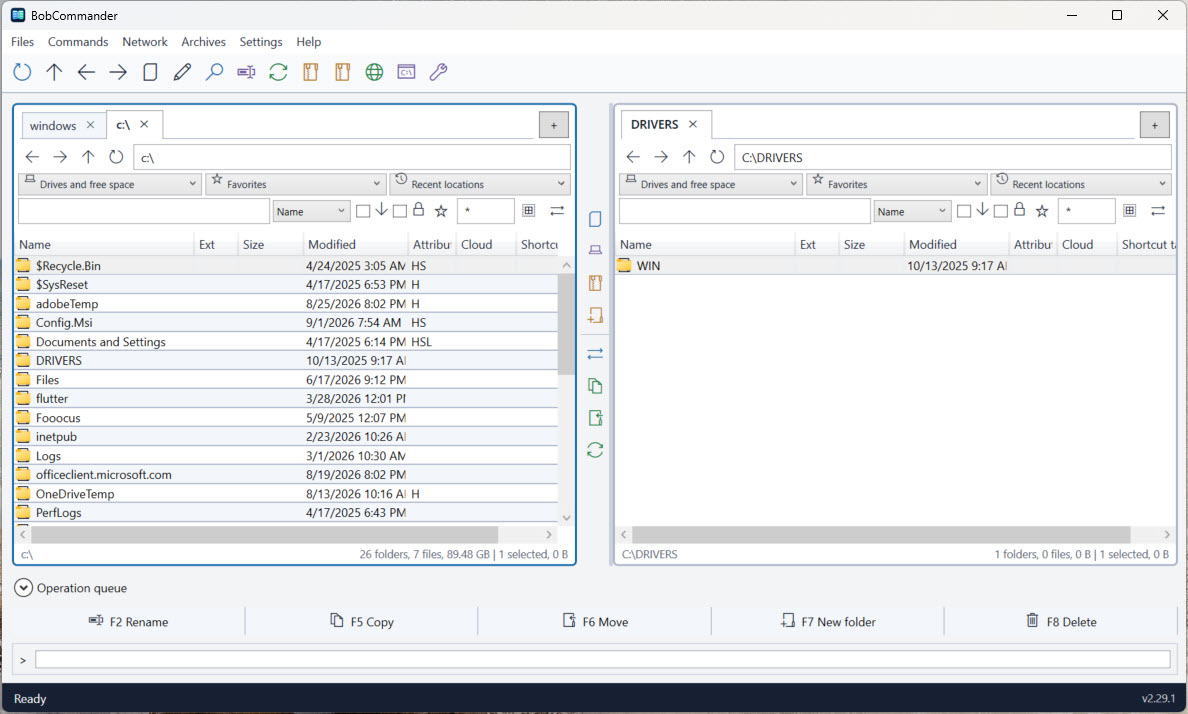
Two independent panes keep the source and destination visible, while advanced tab management, favorites, history, filtering, keyboard commands, and a live green/yellow/red disk-capacity warning make frequent navigation feel immediate. Signed updates remain accessible from the footer after choosing Later and revalidate MSI packages inside an administrator-only directory before installation.
↔
Dual-pane navigation
Browse, compare, select, and transfer without losing context. Tab menus provide duplicate, rename, opposite-pane copy, import/export, duplicate cleanup, and recently closed recovery. Both lock modes prevent closing: strict lock opens directory changes in a new tab, while permissive lock keeps navigation inside the protected tab. A real-time indicator reports free space for the current volume.
⇄
Durable file operations
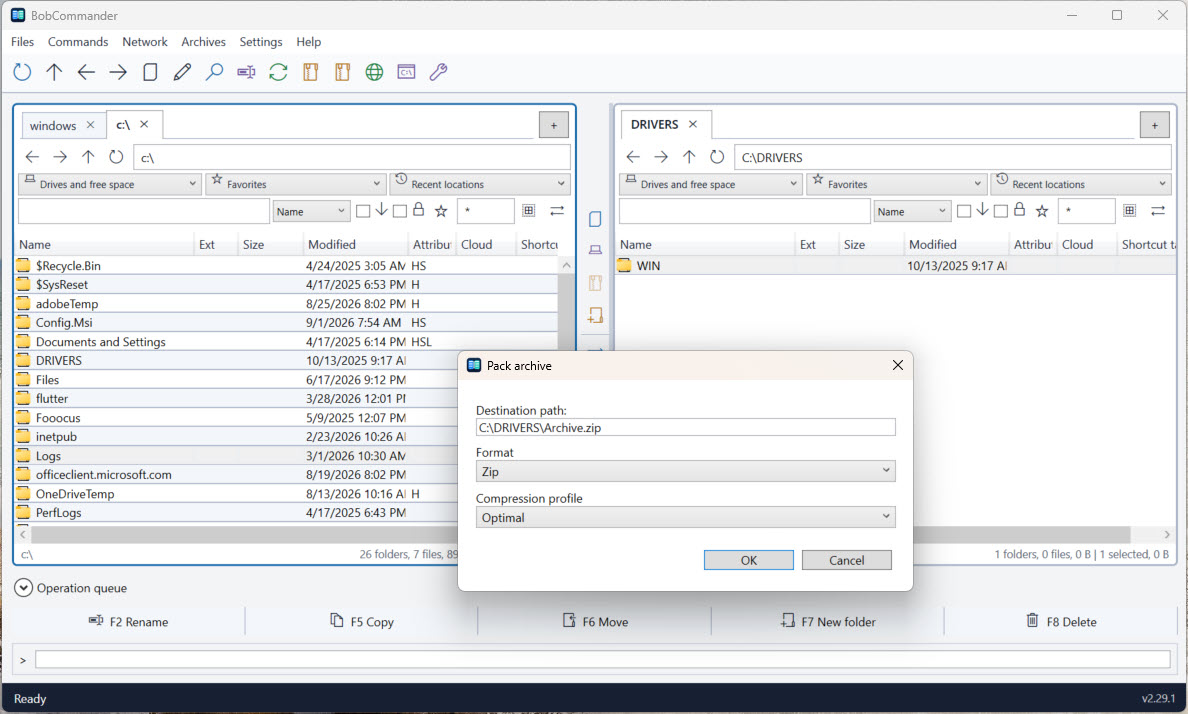
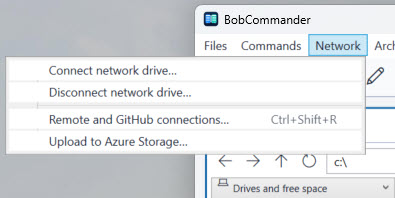
Configure copy and move destinations and conflicts, with verification and metadata options for local transfers. Follow foreground progress or send the job to a visible queue with pause, retry, and recovery after restart.
⌕
Find and organize
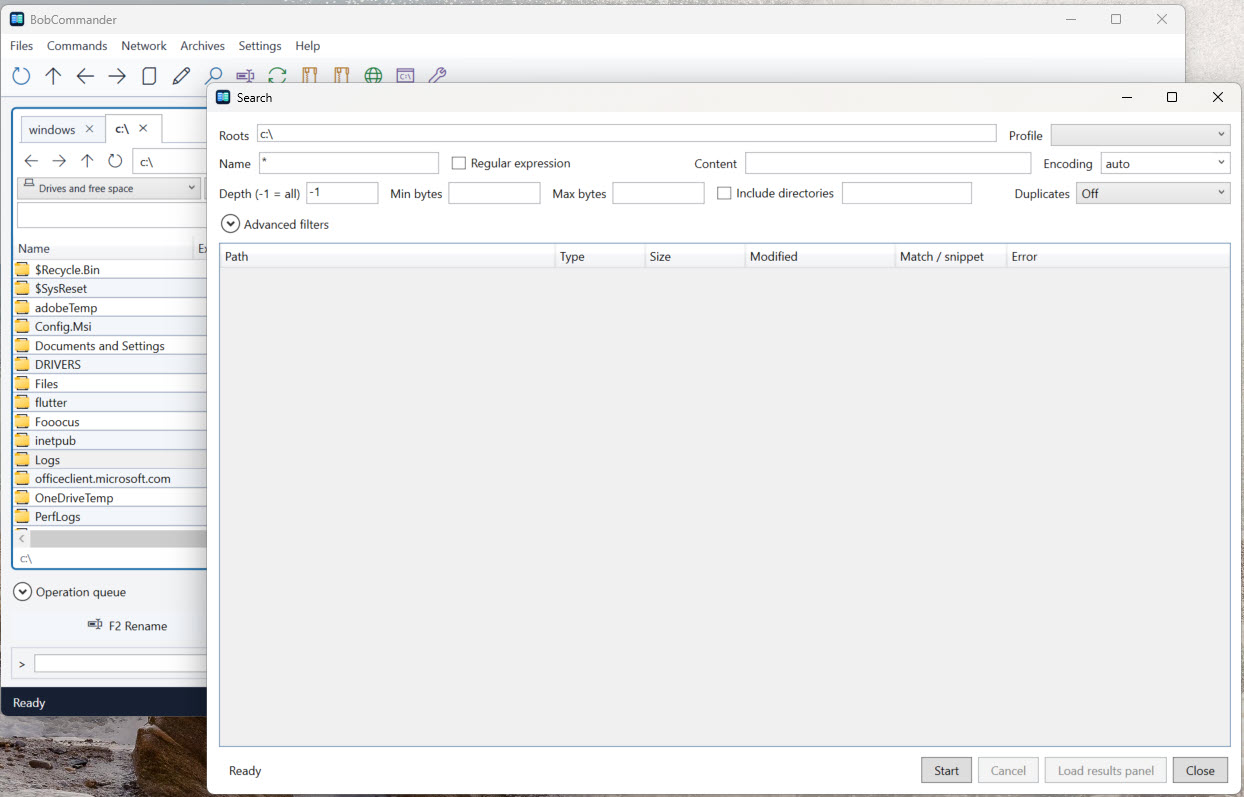
Search with detailed filters, find duplicates, batch-rename with previews, compare folders, and synchronize with an explicit plan before changing files.